How to Use the System "selectrade1.com"

EddieMarkel

Member
Messages
90
Likes
2
How to Use the System:

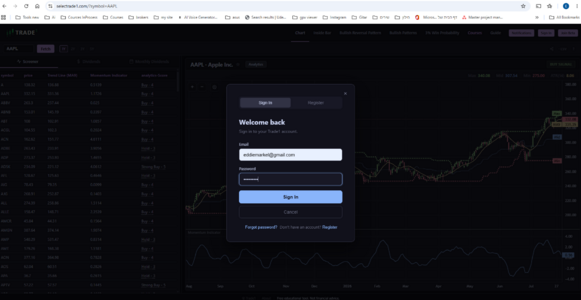
  1. Log in to the system. Registration is free.
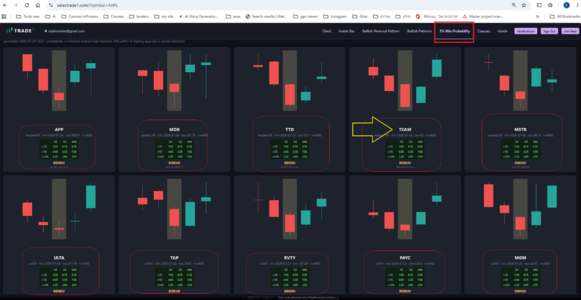
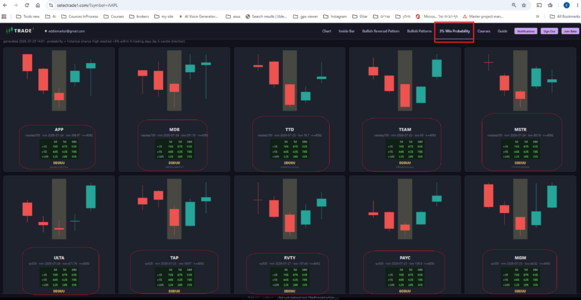
  2. Open the “3% Increase Probability” page and select a stock.
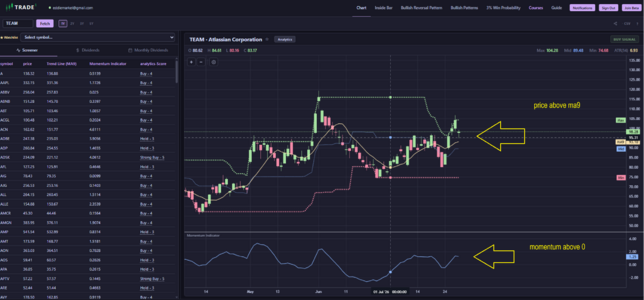
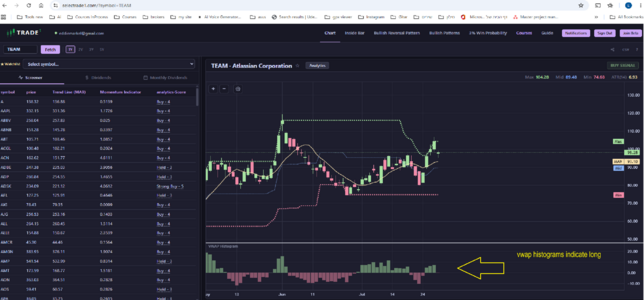
  3. Click the stock symbol to open its chart.
  4. Review the available tools and indicators.
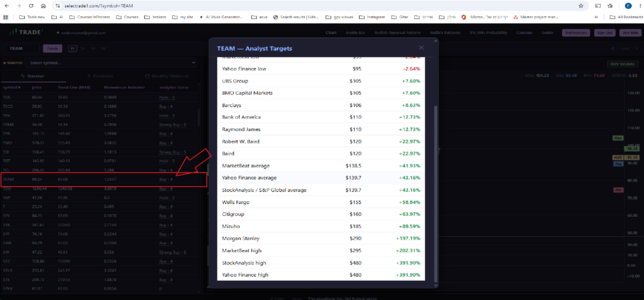
  5. Check the stock’s forecast and price targets based on analyses from leading investment firms.
 

Attachments

  • check analyst targets.png
    check analyst targets.png
    169.5 KB · Views: 0
  • click on symbol.png
    click on symbol.png
    562.2 KB · Views: 0
  • find stock with 3 percent probability.png
    find stock with 3 percent probability.png
    561.3 KB · Views: 0
  • indicator 1.png
    indicator 1.png
    730.5 KB · Views: 0
  • indicator 2.png
    indicator 2.png
    170.8 KB · Views: 0
  • login.png
    login.png
    183.7 KB · Views: 0
Back
Top